


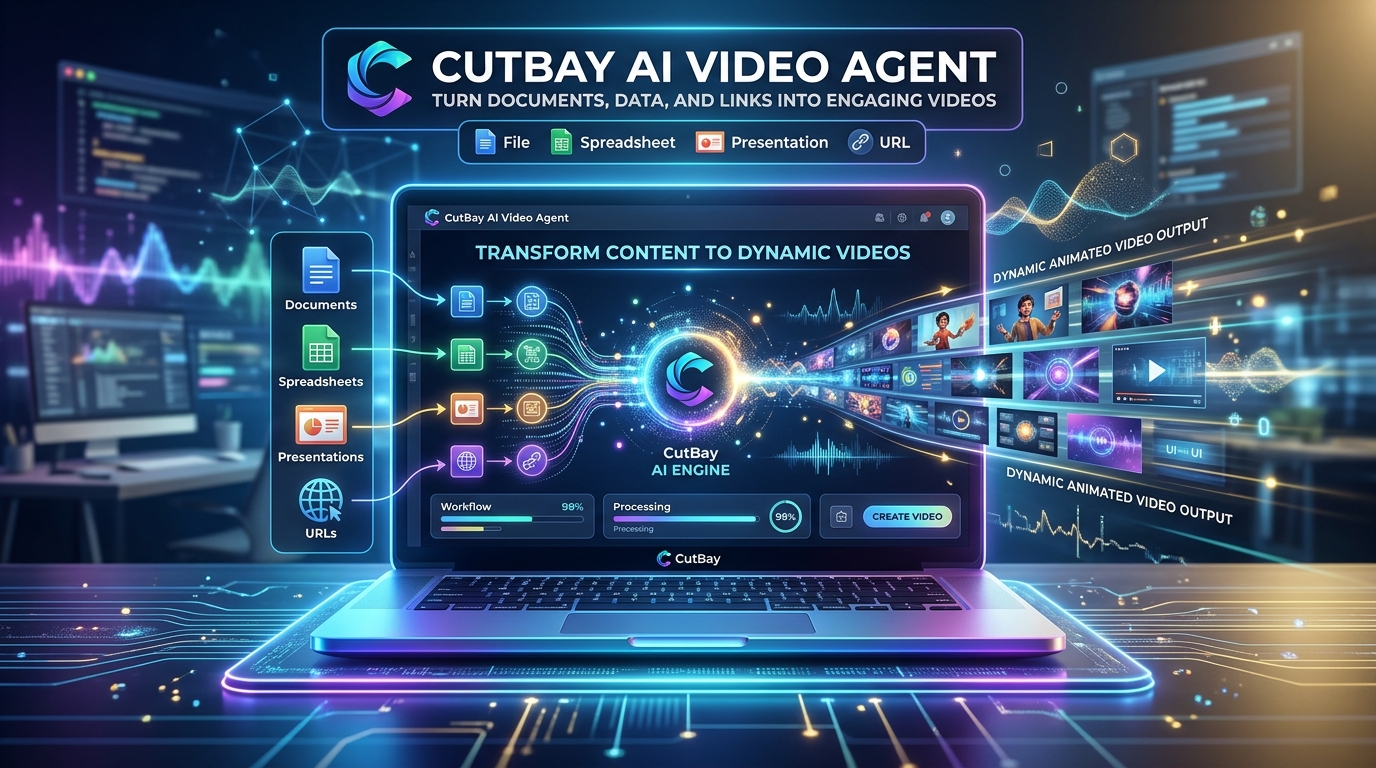
Video creation has long been bounded by steep learning curves, tedious timeline slicing, keyframe adjustments, and hours spent syncing audio tracks. That paradigm is undergoing a fundamental shift with the arrival of CutBay AI. Backed by the experienced team behind FlexClip, CutBay reimagines video production not as a manual mechanical process, but as an autonomous, conversational collaboration between you and an intelligent AI Video Agent.
Instead of wrestling with multi-layered tracks, complex transitions, and third-party voice generators, CutBay allows users to turn natural-language prompts, documents, spreadsheets, presentations, web pages, and raw media into polished, publication-ready videos simply by chatting. In this in-depth review, we analyze what makes CutBay unique, examine its multimodal capabilities, test its end-to-end production pipeline, and determine whether it truly delivers on its promise to democratize high-impact video creation.
CutBay AI: 4.8 / 5.0 ★★★★★
A game-changing AI video agent that eliminates traditional video editing friction. Excellent for marketers, educators, founders, and content creators.
What Is CutBay AI?
At its core, CutBay is an agentic AI video production platform accessible directly at app.cutbay.ai. While traditional software like Adobe Premiere, DaVinci Resolve, or even modern browser editors require manual asset hunting, cutting, and captioning, CutBay introduces an autonomous agent-driven architecture.
You interact with CutBay as you would with a senior video editor or motion designer. You supply your raw concept—whether that is a brief prompt, a PDF whitepaper, an Excel spreadsheet with sales numbers, or a blog URL—and the AI agent dissects the core narrative, scripts each scene, selects matching visual motifs, animates kinetic typography, generates realistic voiceovers, and synchronizes background audio in seconds.
The Conversational Paradigm: Video Production via Natural Language
The core differentiator of CutBay is its conversational interface. In typical video software, changing an aspect ratio, swapping a color palette, or tweaking a title requires navigating deep submenus and adjusting timeline keyframes.
With CutBay, you simply instruct the agent:
- “Make the intro punchier and add animated bar charts illustrating our Q3 revenue spike.”
- “Switch the voiceover to an energetic British voice and adjust the pacing for TikTok / Instagram Reels.”
- “Highlight the core feature benefits from page 4 of the uploaded PDF using modern vector animations.”
The AI agent interprets your design direction, applies precise micro-adjustments across visual layers, and renders preview iterations in real time.
“Turn Anything into Video”: Comprehensive Multimodal Inputs
One of CutBay’s greatest strengths is its wide support for multimodal source materials. You do not need a pre-written storyboard or pristine video footage to get started:
📄 Documents & Reports
Upload PDFs, Word documents (DOCX), or plain text files. CutBay extracts key takeaways, builds a coherent narrative outline, and converts dense text into digestible video summaries.
📊 Spreadsheets & Data Sets
Feed in XLSX or CSV files. Rather than displaying static tables, CutBay creates dynamic animated charts, infographics, and metric callouts that bring numbers to life.
🖥️ Presentations & Slide Decks
Upload PPT or PPTX decks. CutBay transforms static corporate presentations into engaging narrated webinars, training modules, or investor pitch videos.
🔗 URLs & E-Commerce Listings
Paste blog URLs, news articles, or Amazon/Shopify product links. The agent scrapes images, pricing, and specs to auto-compose viral promotional videos.
Under the Hood: The End-to-End Autonomous Pipeline
When you trigger a video generation task on CutBay AI, the agent initiates a sophisticated 6-stage autonomous workflow:
- Semantic Content Ingestion: The agent parses your input document or prompt, identifying core thesis points, statistical highlights, and target audience tone.
- Storyboarding & Scriptwriting: CutBay drafts a scene-by-scene script with visual cues, transitions, and on-screen text overlays engineered for high retention.
- Motion Graphics & Vector Synthesis: Instead of generic stock video montages, CutBay utilizes sleek vector graphics, kinetic typography, and fluid infographic transitions.
- Natural Neural Voiceover: AI voice synthesis delivers natural pacing, authentic intonations, and emotion matching the theme of your video across multiple languages.
- Audio-Visual Synchronization: Background music, audio ducking, sound effects, and auto-captioning are time-aligned automatically down to the millisecond.
- Interactive Canvas Refinement: Once the draft is generated, you can either speak new instructions to the agent or fine-tune individual elements on an intuitive visual canvas.
Comparison: CutBay vs. Traditional Video Tools
To understand where CutBay fits into the modern creator tech stack, consider how it stacks up against conventional tools:
Who Benefits Most from CutBay AI?
- SaaS Founders & Product Marketers: Turn software release notes, feature pages, and knowledge base articles into slick video updates.
- E-Commerce Merchants: Transform Shopify, Amazon, and WooCommerce product URLs into viral TikTok and Instagram ad creatives with zero production overhead.
- Educators & Corporate Trainers: Convert comprehensive PDF textbooks, manuals, and PowerPoint slides into animated micro-learning modules.
- Content Creators & Growth Agencies: Repurpose long-form blogs and research studies into high-engagement shorts and reels for YouTube, LinkedIn, and Meta.
Pros and Cons of CutBay AI
✅ Advantages (Pros)
- Zero timeline frustration: edit entirely through natural-language conversation.
- Direct support for complex data files (CSV, XLSX) with dynamic chart animations.
- Converts slides (PPTX) and documents (PDF, DOCX) seamlessly.
- Studio-grade neural voiceovers and automated subtitle synchronization.
- Powered by the proven infrastructure of FlexClip.
⚠️ Areas for Improvement (Cons)
- Advanced Hollywood-style 3D VFX or heavy grading still requires dedicated NLE suites.
- Highly technical specialized jargon may require minor manual prompt guidance.
Final Verdict: Should You Use CutBay AI?
CutBay AI represents a genuine leap forward in generative video workflows. By replacing manual timeline editing with an intelligent conversational AI agent, it removes the biggest bottleneck in video marketing: production time and complexity.
Whether you need to turn customer success stories into video case studies, animate sales spreadsheets for an executive presentation, or scale social media video ads across multiple channels, CutBay provides an unmatched combination of speed, polish, and creative autonomy.
Experience the future of video production today at https://app.cutbay.ai/ and start turning your ideas into videos in minutes.
Related Growth & Technology Resources:
- Enterprise Software & ERP: Build custom web platforms and automated digital systems with AOWSM.
- SEO Readiness & Auditing: Test your digital brand visibility and optimize search engine readiness with RankReady Pro.
- Custom Web Design & Digital Growth: Transform your business online with Absolute Online Web.